Getting Started with PDF Reports
With CodeScene’s, PDF Reports you receive a handout outlining the current status of a project for easy digest or, for sharing with colleagues.
You can create them on-demand , or configure CodeScene to automatically email them to you and other stakeholders at specific intervals.
There are two PDF reports available:
Code Health Overview Report: Provides an overview of Code Health metrics, trends and alerts for the specific project.
Software Portfolio Overview Report: Provides a high level portfolio overview highlighting the status of each project in terms of Code Health, Knowledge Distribution, Team-Code Alignment and Delivery
How do I download a PDF Report for my project?
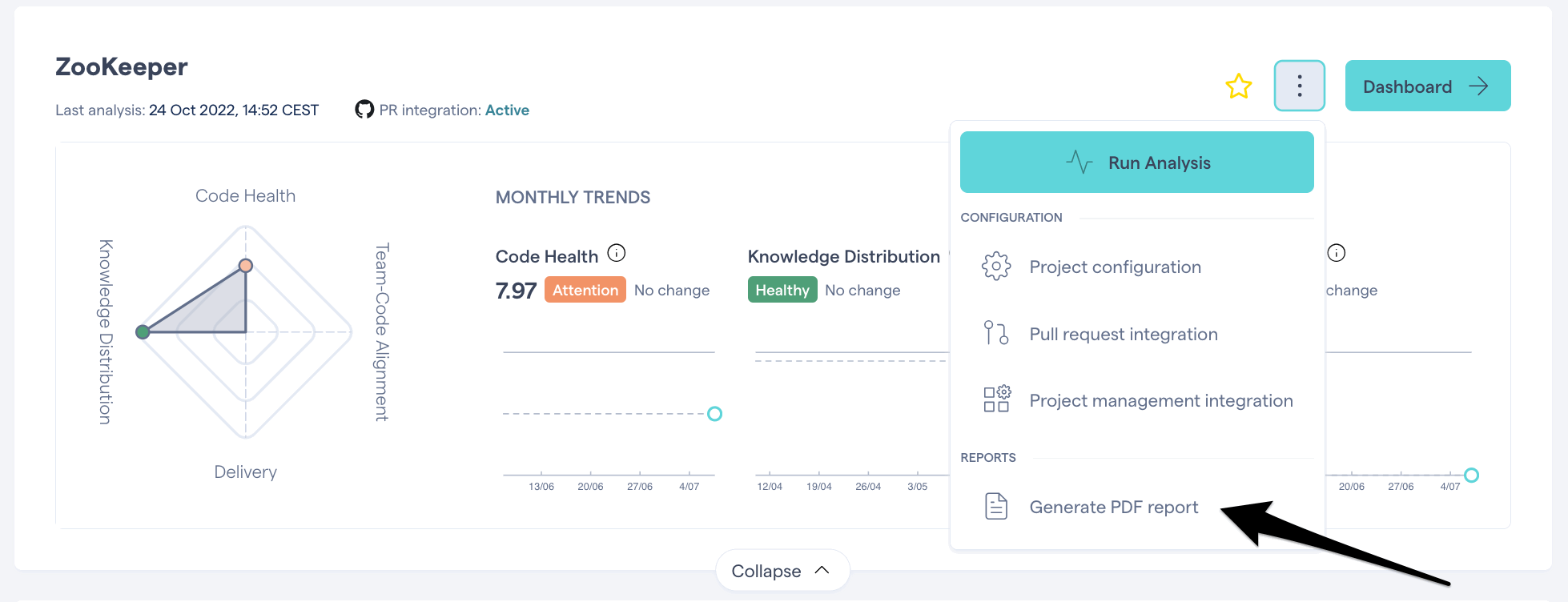
Locate your project in the project view
Click the 3 dots
Select “Generate PDF Report”
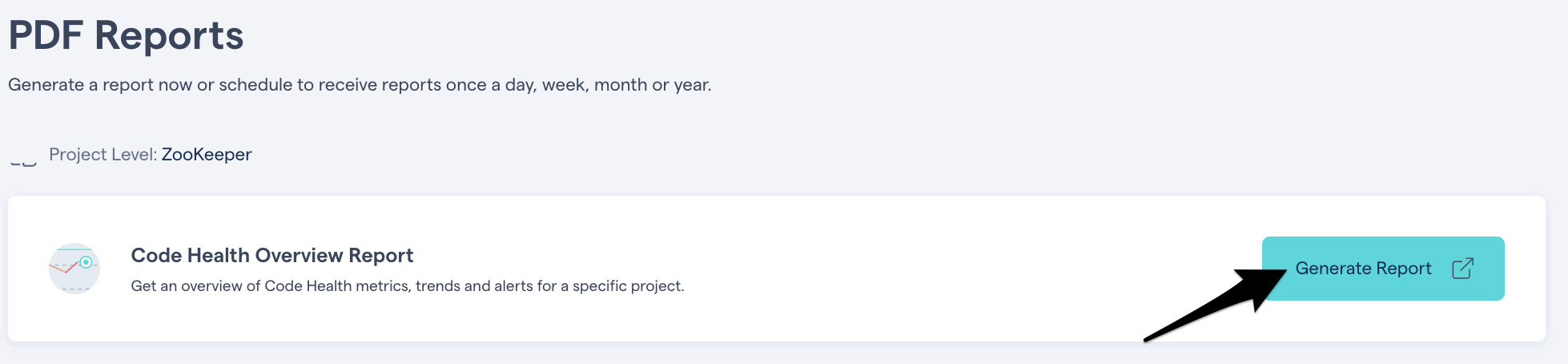
Click Generate Report
How do I receive PDF Reports automatically?
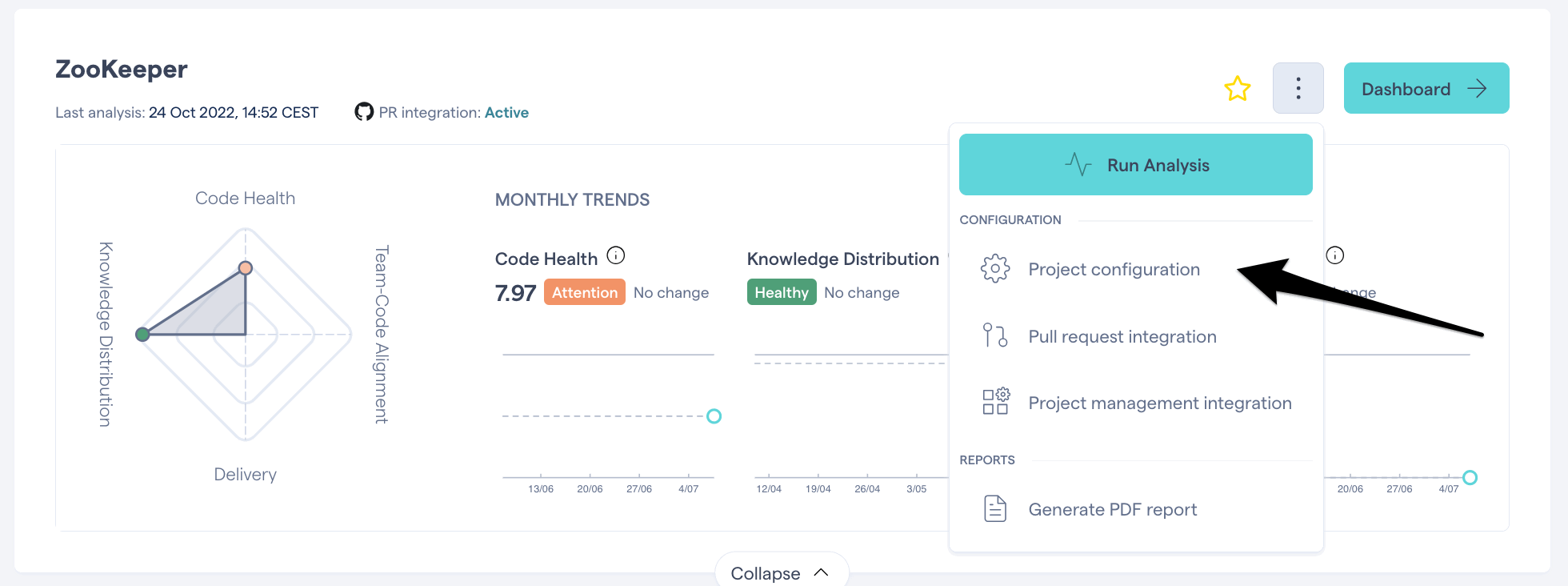
Locate your project in the project view
Click the 3 dots
Select “Project Configuration”
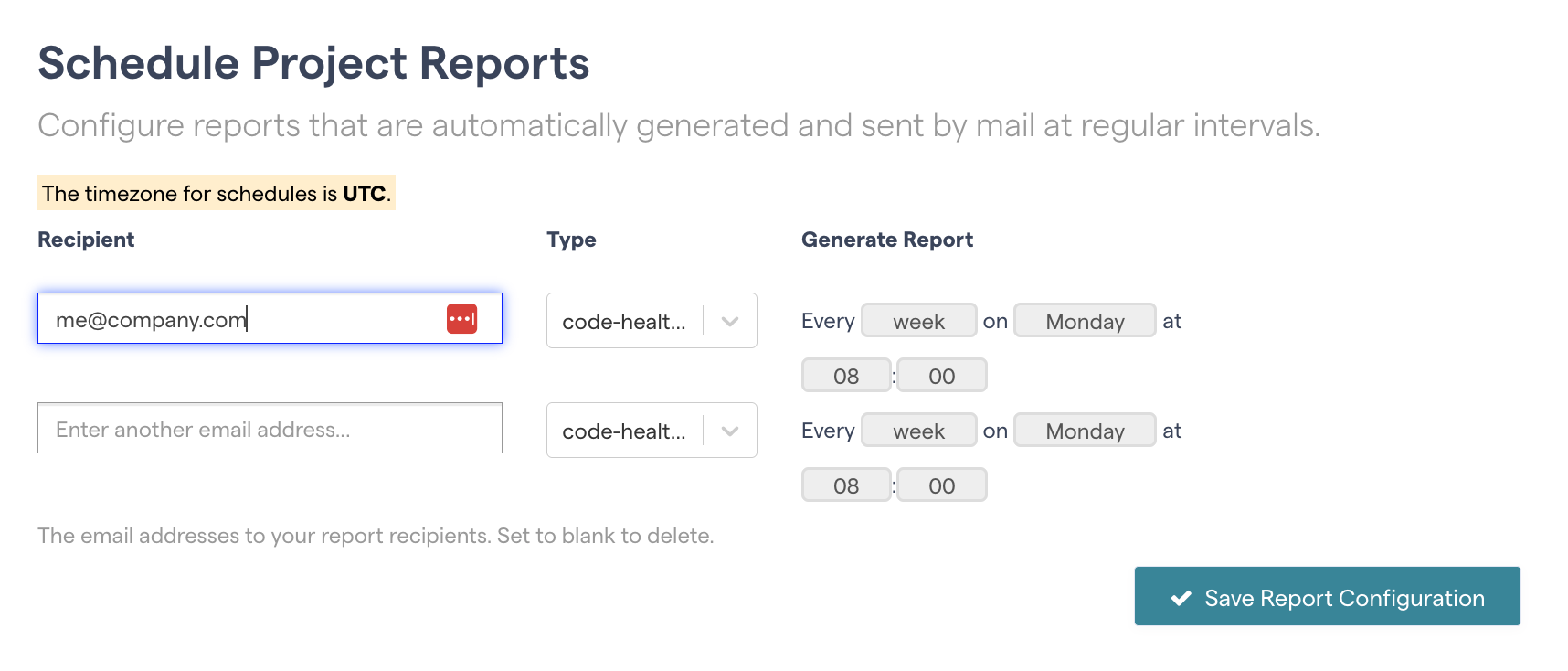
Add your email address, choose the report you’d like receive and set the frequency:
You’re all set
How do I subscribe others to PDF Reports?
Locate your project in the project view
Click the 3 dots
Select “Project Configuration”
Add your colleague’s email address, choose the report you’d like them to receive and set the frequency:
You’re all set