How Do I See Code Health for a Specific Folder Over Time?
Question
The project dashboard shows Code Health for the whole codebase. How do I see the Code Health of one folder, for example xpack/core, and how it has changed in the past?
Answer
Map the folder to an architectural component. After the next analysis, each component has its own Code Health score and trend, so you can follow a folder over time in the same way you follow the whole project.
Before you start
The project must have completed at least one analysis. The component editor only opens after an initial analysis.
You need permission to edit the project configuration.
How to map folders to components
Open the project and go to its configuration.
Select the Architecture tab and open the architectural component editor.
Define your components in one of two ways:
Generate them automatically: if your folder structure already matches your components, navigate to the parent folder and click Generate components. You can add an optional prefix to show hierarchy.
Map them manually: navigate to a folder, take the suggested pattern and click Select a component to add it to an existing or new component. You can also type your own glob pattern.
Click Submit at the bottom of the page. Changes are only saved once you submit.
Re-run the analysis. New components are applied from the next analysis.
Patterns start at the repository root or with *. Examples:
To define many components at once, use the form view below the editor, or import a CSV file with two columns and no header row: component name, glob pattern.
View the results
When the analysis has finished, results are available at the architectural level. Each component shows its own Code Health score and trend.
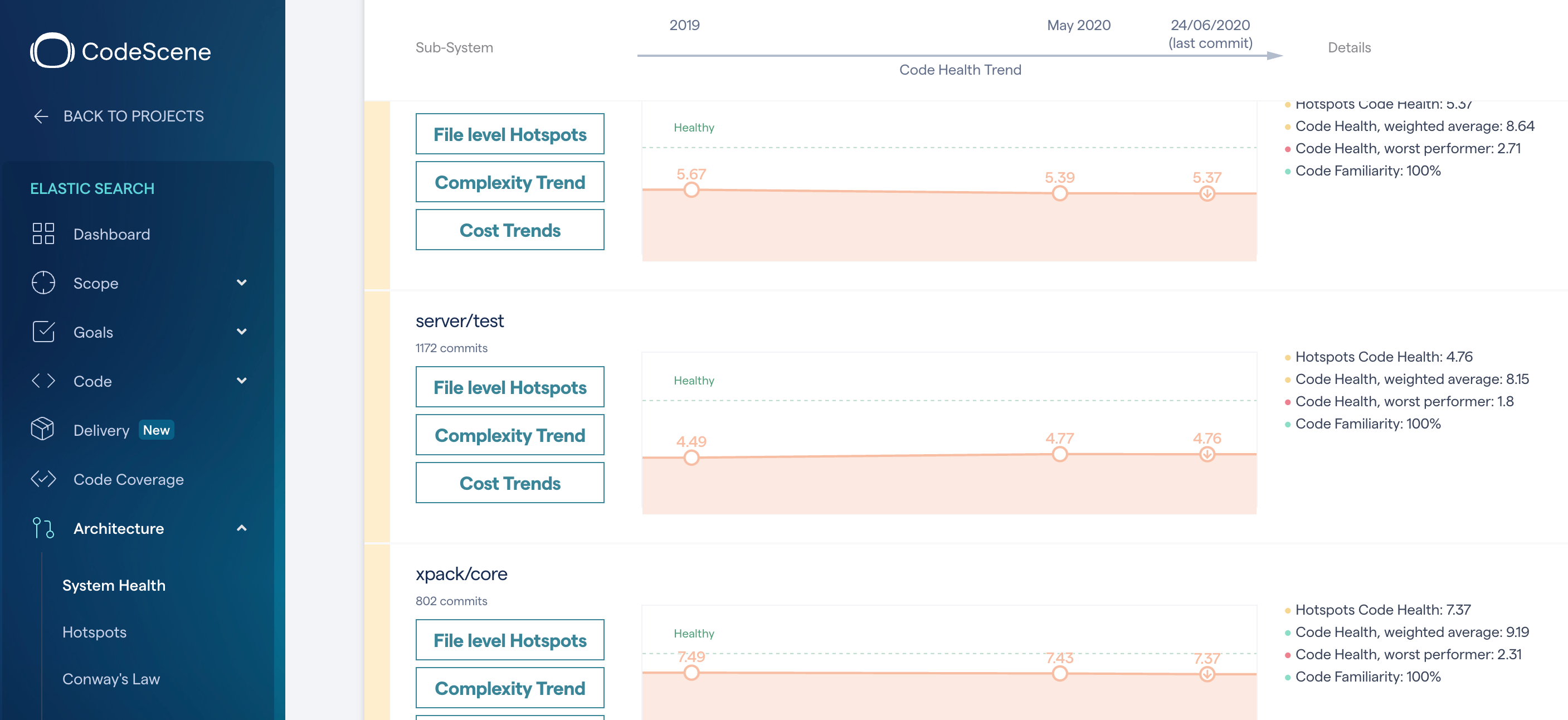
To get component trends, make sure Enable Architectural Trends is turned on in the project configuration. It is optional because it adds analysis time.
Good to know
Trends are based on the code in your repositories today. Deleted files are not included.
A shorter analysis period only includes files with recent development activity.
You can export components to CSV and import them into another project.
Related articles
Was this helpful?
Still need help? Ask the team