Where Can I Find the Logs?
CodeScene logs contain important clues about errors and the application behavior.
CodeScene logs to standard output. The way you retrieve logs depends on how you run it:
Standalone JAR: standard output - you may want to redirect it to a file.
Docker container: retrieve logs via the
docker logscommand.
Log levels
The default log level CodeScene uses is INFO.
To enable more detailed logging, there are two basic options:
Set
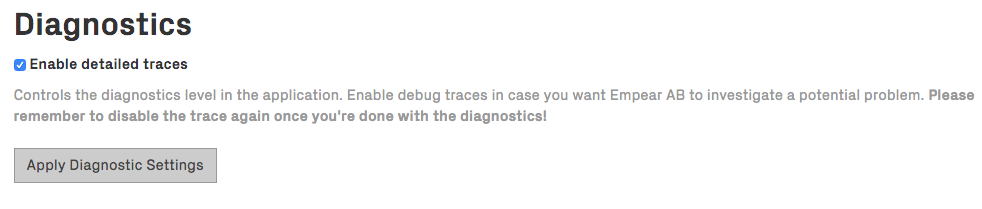
CODESCENE_LOG_LEVELenvironment variable: supported levels are ERROR, WARN, INFO, DEBUG, TRACE. INFO is a good default level, but make sure to check the volume of logs CodeScene generates. This setting requires a restart.Check Enable detailed traces in Configuration -> System, as shown in the next figure. Note that this sets the log level to TRACE, which is very verbose. It’s useful for a temporary debugging session. This setting doesn’t survive a restart.