How To Resolve a 'No Account Found' Issue When Inviting Someone to CodeScene Cloud?
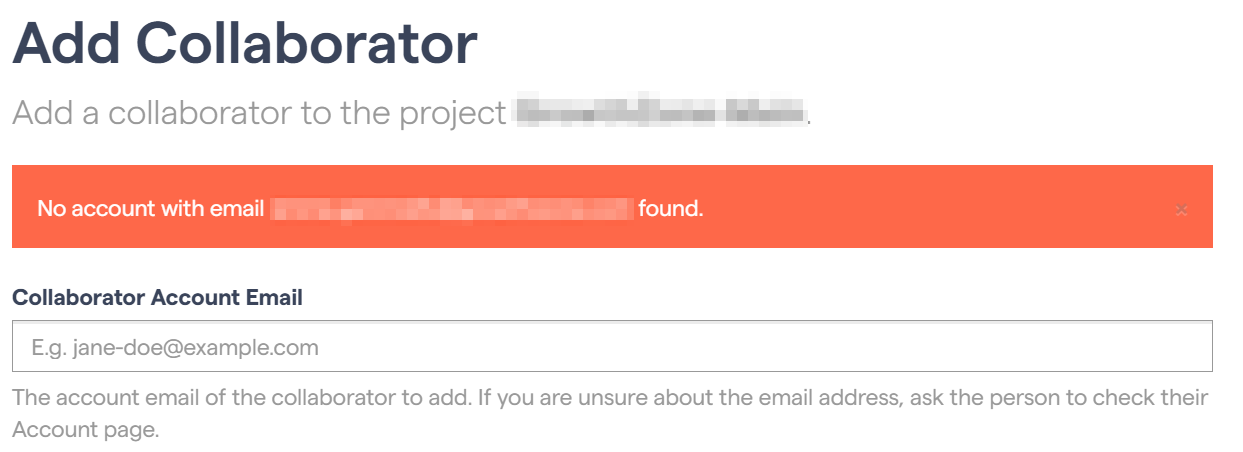
If you receive an error when inviting collaborators who do not have a Git account in your organization (GitHub, Azure DevOps, GitLab, etc.), there are some additional steps required. Inviting a user who does not have a Git account will result in an error similar to the one below:
Using GitHub as an example, the user needs to:
Create a free GitHub account
Use this account to create a free CodeScene account at codescene.io.
Following this, you will now be able to invite the user as a collaborator to your CodeScene organization.
More information on organizational accounts and the roles a user can have is available here.